How It Works
A guided flow from idea to engineering-ready specifications
Start with a project, use AI to fill in epics and features and user stories, then open any artifact to see the details and edit by hand. Export selected or entire project information as markdown, and use the in-project AI Assistant in Ask or Agent mode. Everything stays traceable so you keep control while moving fast.
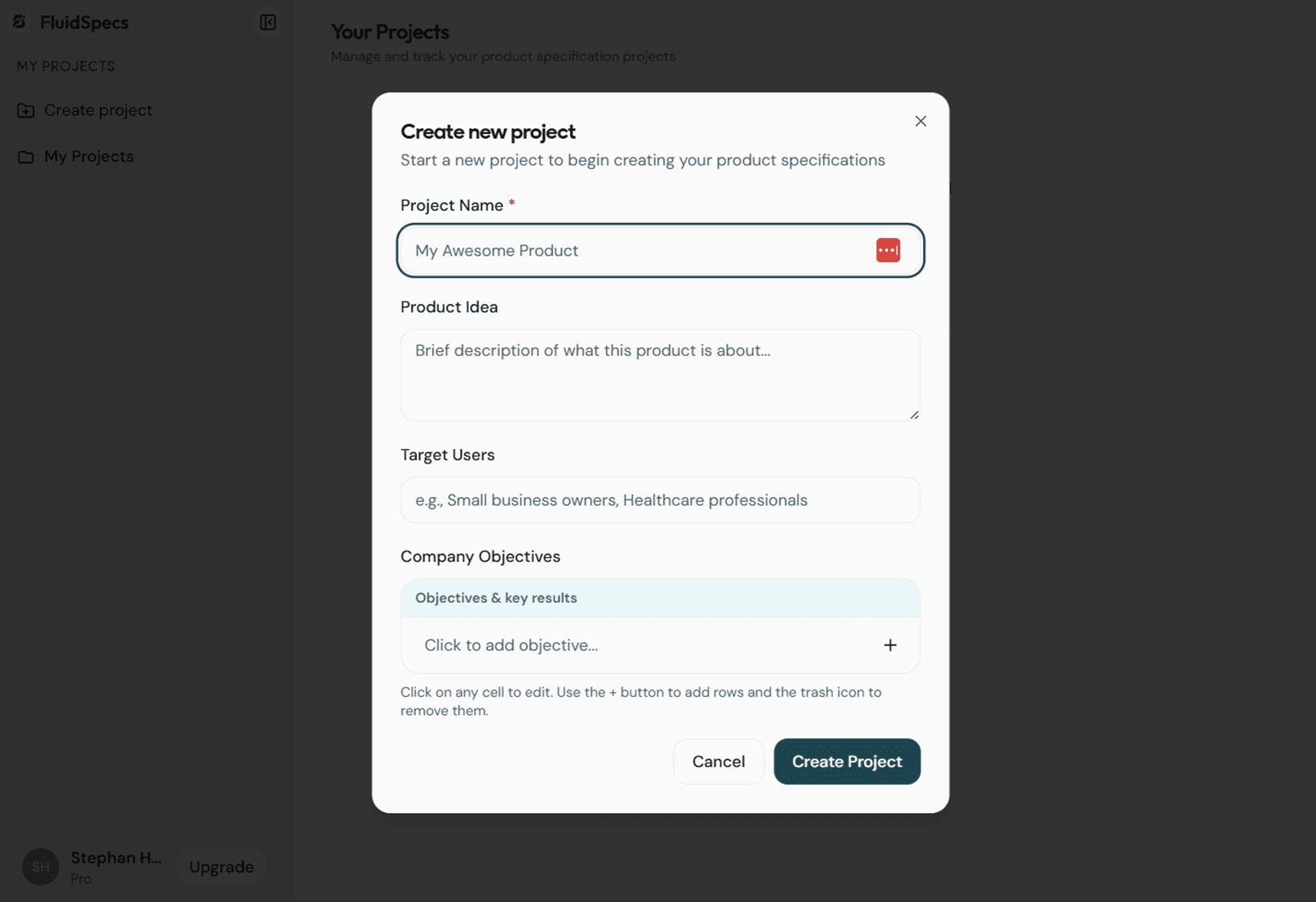
Create a project and set your product context: name, product idea, target users, and company objectives. The Create new project modal guides you through the basics so the AI and the rest of the flow have a clear foundation to build on.
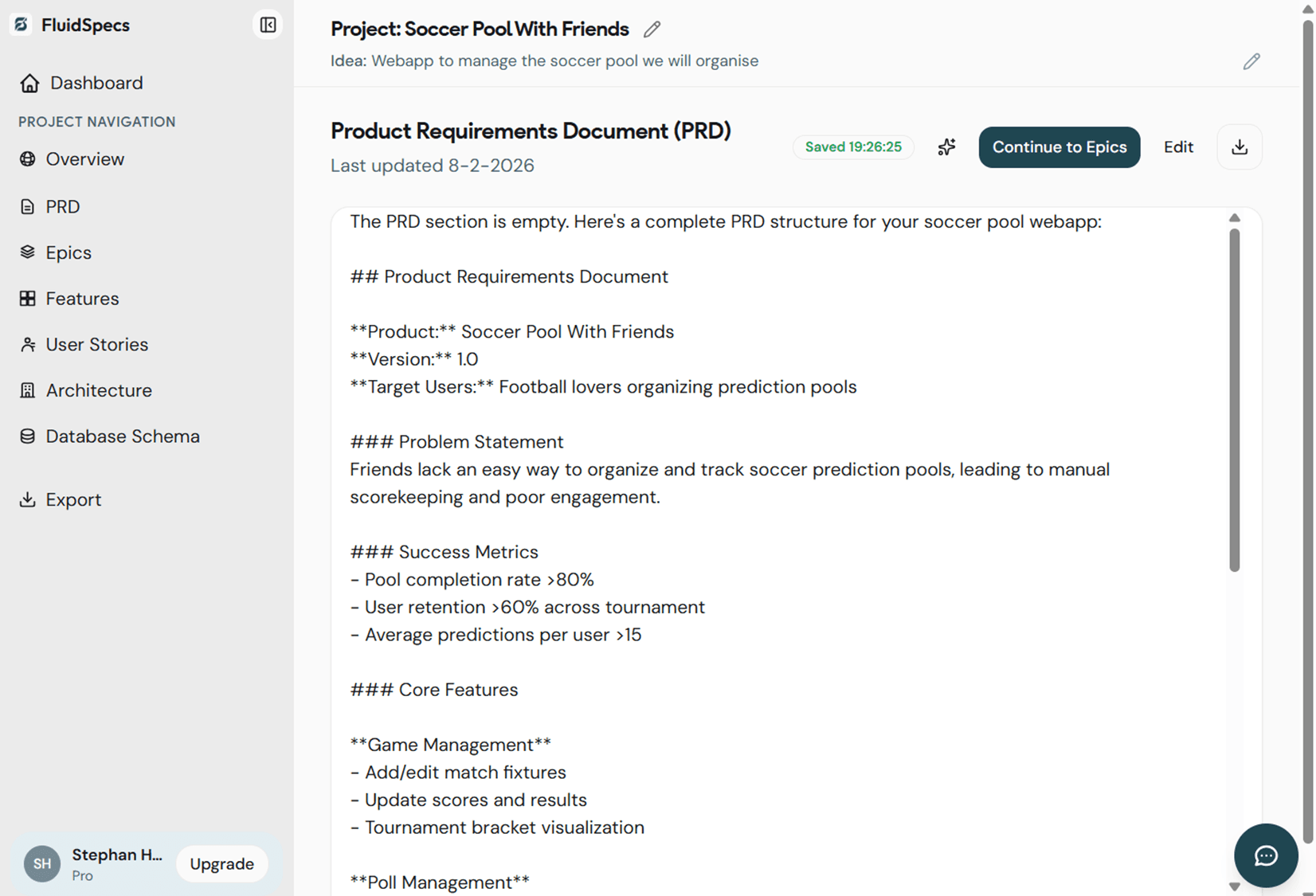
Use AI to generate epics from your PRD, then features from epics, then user stories from features. Each artifact stays linked so nothing is lost. You can trigger generation per section and refine the results before moving on.

Open any artifact to see the full content. Use the editor to change copy, add acceptance criteria, or adjust structure. Everything remains traceable from PRD down to user stories, so you keep full control while the AI speeds up the first draft.
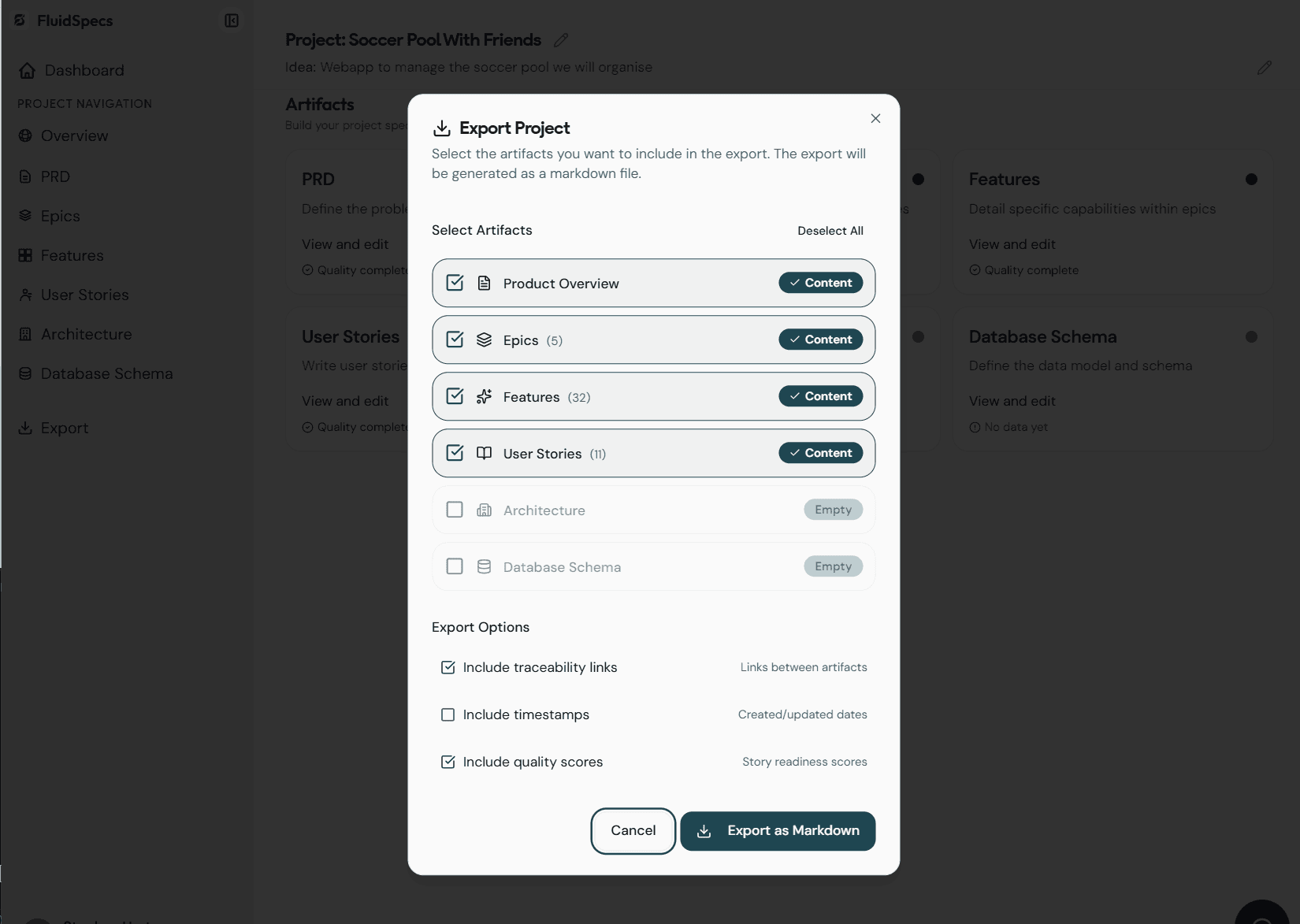
Export project information as a single markdown file. Choose which artifacts to include—PRD, epics, features, user stories, architecture, database schema—or export everything. Options include traceability links between artifacts, timestamps, and story readiness scores so your export is ready to share with engineering or stakeholders.
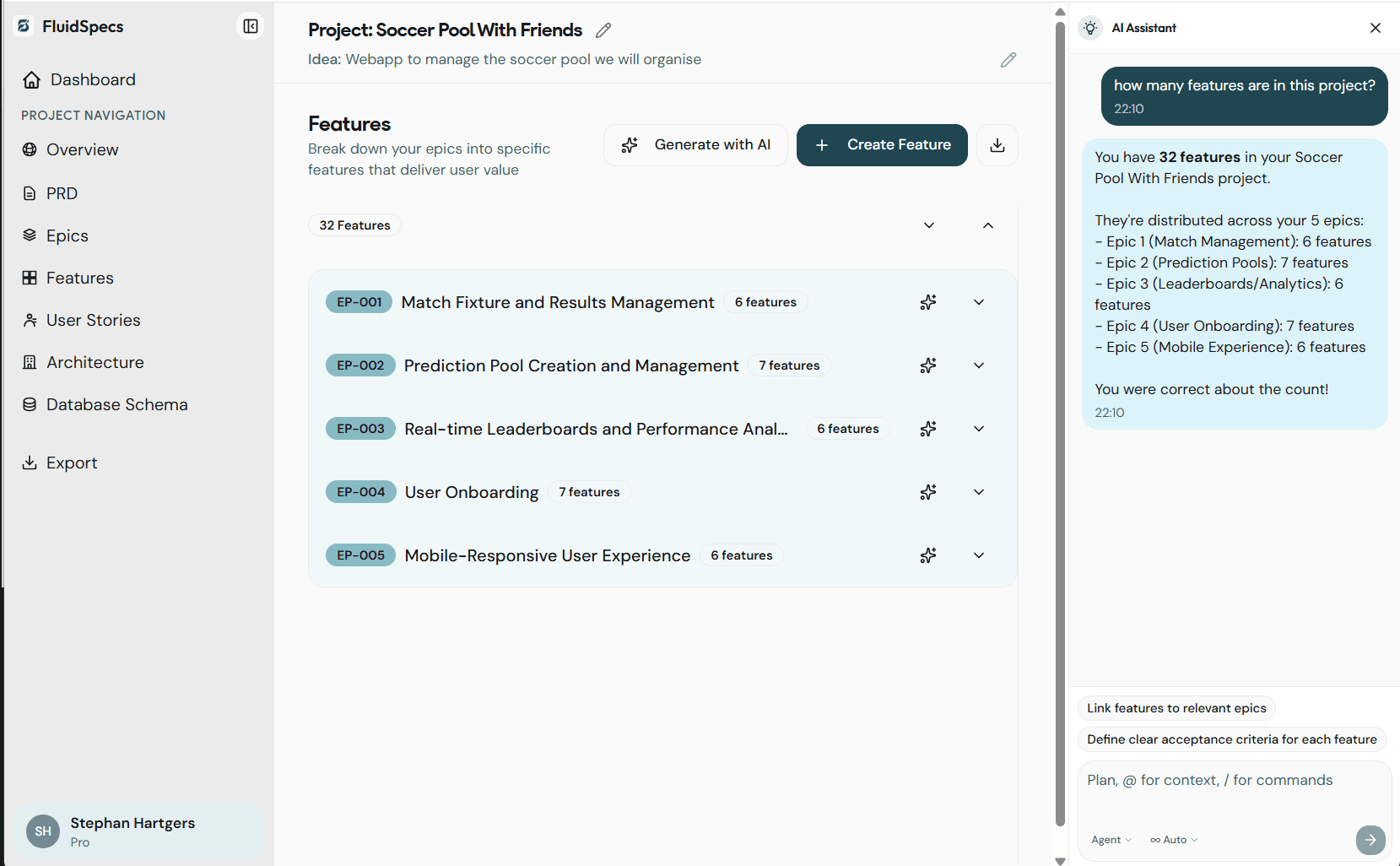
Use the in-project AI Assistant to ask questions about your specs—for example how many features you have or how they map to epics. In Ask mode the AI answers from your project context. In Agent mode the AI can take actions using tools. Switch between modes from the chat input so you can either get answers or let the AI help update artifacts.